

If you’re like me and use a smartphone daily for all kinds of tasks (and maybe a few games), you’re probably used to seeing charges for app services and subscriptions popping up on your mobile banking. But what if you don’t recognise these charges? For example, do you know how to stop Google Garena charges?
If you notice Google Garena charges that you didn’t authorize on your bank statement, make sure to contact your bank first. They can restrict your cards, reset PINs and raise cases with their fraud teams. Let’s take a closer look at Google Garena charges and how you can stop them.
What is Google Garena?
Google Garena appears to refer to charges accrued through mobile gaming. There doesn’t appear to be a service called ‘Google Garena’ outright, but there is a mobile app, game and eSports developer called Garena International, which is a part of the tech firm called Sea Ltd. which is based out of Singapore.
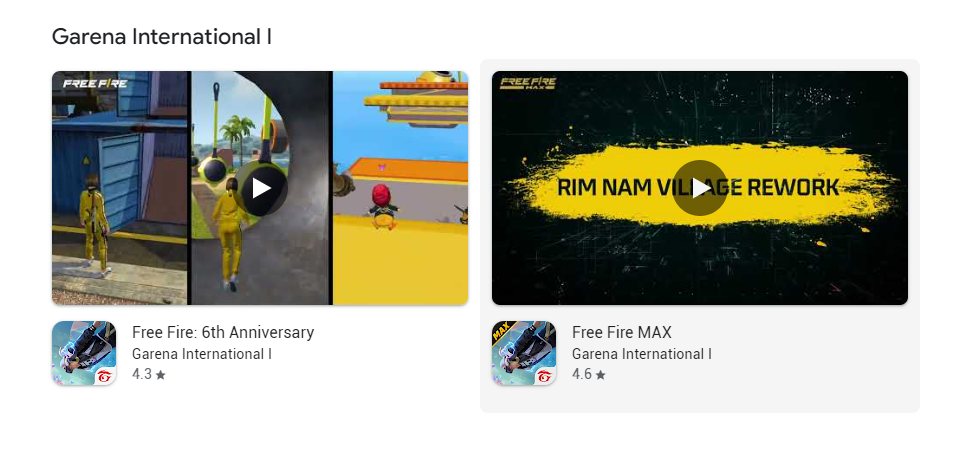
There is another developer called Garena Online as well.

Charges from Garena you see on your bank records may indicate payments have been made for in-app purchases and game subscriptions. The ‘Google’ in the name may tell you, also, that the charge started at the Google Play Store.
What are Google Garena charges?
Google Garena charges will likely appear if you make in-app or in-game purchases through your Android or iOS device, provided you use Google Play Store. These charges may also show up as Google *Garena.
However, many people report these charges when they’re not expecting them. If this has happened to you, it’s worth checking your app store records and contacting your bank.
It’s worth checking if you have any downloaded other games that have in-app purchases or recurring subscriptions. Many people are also often left wondering about Disney charges, which often come from games, showing up on their card statements.
Why is Google Garena charging me?
You may receive Google Garena charges if you buy in-game credit on a mobile app or set up a subscription. The Google prefix tells us someone may have processed the charge through the Google Play Store.
Check your app download records and receipts through your Google Play account if you have one. Normally, you’ll receive a receipt for any paid downloads, in-app content or subscriptions you authorize.
If not, you’ll need to raise the charge as a fraud case with your bank or card issuer.
How do I stop Google Garena fees?
If you believe your Google Garena charges are incorrect, log in and change the password for your Google and Google Play Store accounts. Check your download history and statements, too.
You should also head to the “payments and subscriptions” section of your Google Play account, which you’ll see when you click or tap your profile after logging in. Choose any subscriptions that may have created the charges, and tap or click “manage”. You can then follow the simple steps to stop further charges.
Then, call your bank or card issuer immediately. They will ask you some questions about the charges, and may freeze the charges during an investigation. However, you’ll normally need to call as soon as you notice these charges.
Your bank or card issuer may also cancel your current cards and send new PINs for you to activate. If you’re fairly certain the charge is fraudulent, make sure you follow this process!
It’s easier than you think to get confused by financial matters. For example, have you ever received a Netspend All-Access card that you didn’t expect? Check out my guide for further advice!
Report Charges You Don’t Recognize
Google support officially states that any purchases from Google Play will appear under one of the following formats:
- “GOOGLE*App developer name” (for Android apps)
- “GOOGLE*App name” (for Android apps)
- “GOOGLE*Content type” (i.e. “GOOGLE*Books”)
If the charge isn’t in one of those formats, Google says that the charge did not officially come from them and it could therefore be fraudulent. The best course of action is to contact your credit card company or your bank and ask them to investigate further.
How to Avoid Mistaken Charges
Sometimes a family member may accidentally purchase something on the Play store or inside an app. The best way to avoid this is to ensure that you have turned on authentication for purchases through Google Play. For more details on how to do that for your particular device, please see Google’s guides on the topic.
There are many types of Google charges that may show up on your statement. Please be sure to scan your statement carefully to recognize any strange charges. Some may be a scam, whereas others like “google disney mobile charge” may actually be legitimate ones.
Before You Go…
Please let us know in the comments whether you found this article useful or not. If there’s something we missed or anything that needs to change, please do let us know. Your feedback and constructive comments help us make this content more valuable for everyone. Thanks!

by Jon Craig
I am the creator of Project Financially Free and I started this journey to both educate myself and share my insights on personal finance. I’m passionate about financial literacy and I invite you to join me on this transformative path. See more.
Leave a Reply